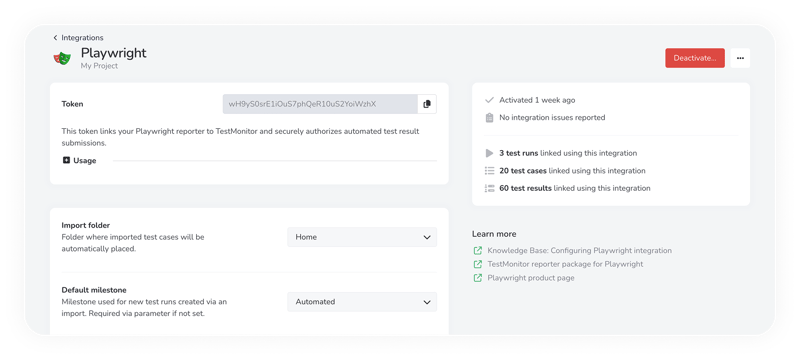
Configuring Playwright.
With TestMonitor's built-in Playwright reporter, results flow directly into your project without manual formatting.
Just activate the Playwright integration in TestMonitor, Install the TestMonitor Playwright NPM package, copy the provided configuration snippet into your Playwright config file and run your tests as usual!
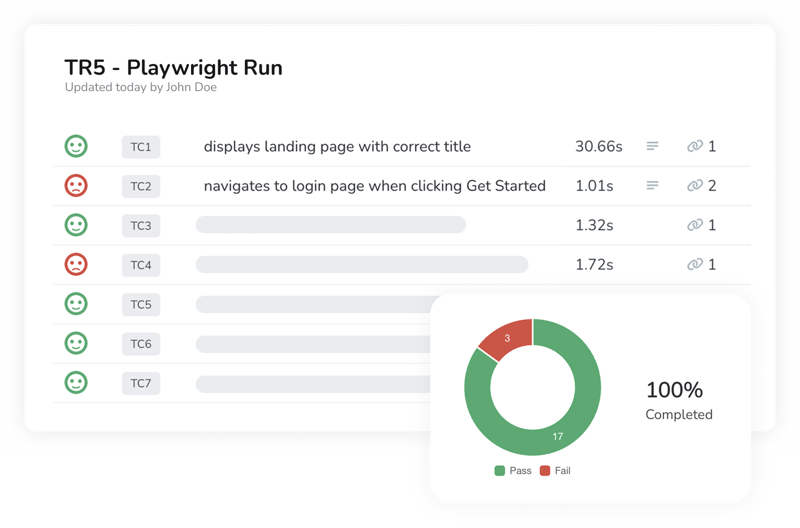
Send and track your Playwright tests.
The Playwright reporter automatically uploads your Playwright cases and results—screenshots, screen recordings, and trace files included.
Each outcome is displayed in TestMonitor alongside your manual and automated tests.
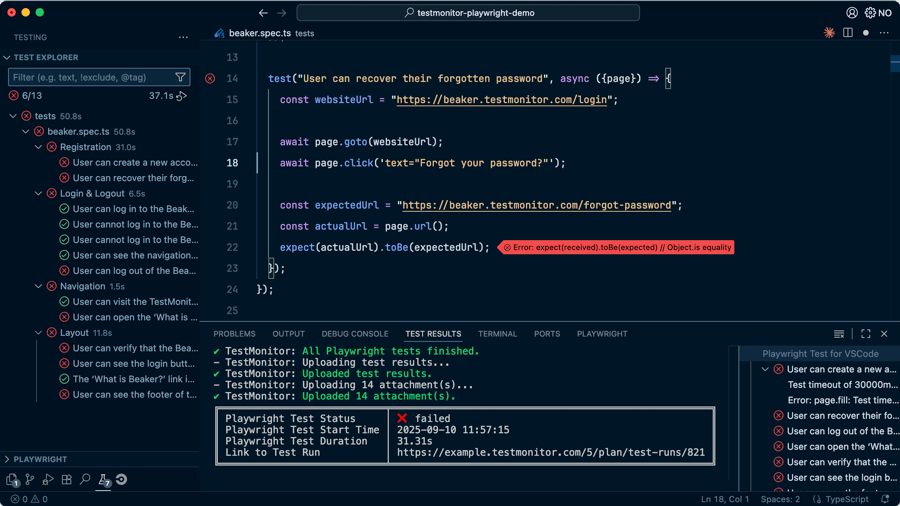
Dedicated test automation report.
Quickly spot your most frequent failures, slowest tests, and flakiest test cases, so you can improve where it matters most.