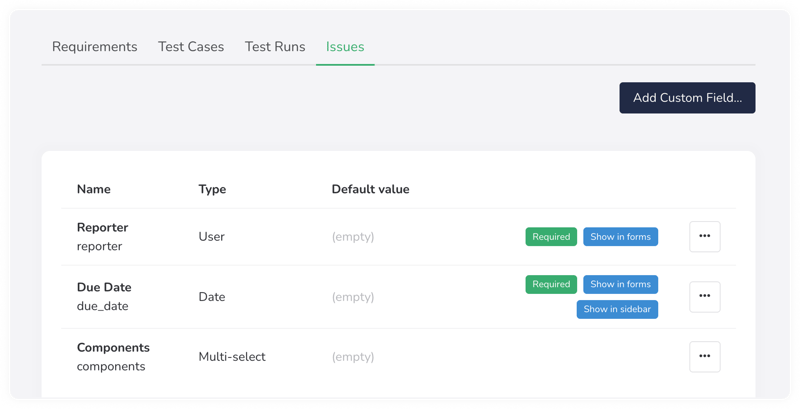
Leverage complete application lifecycle management tools
Use TestMonitor’s built-in issue tracker to ensure you don’t lose track of any failed tests or issues, complete with the ability to have items automatically update after successful test runs. Issues or testing failures can also be turned into actionable tasks with custom fields and user assignments.
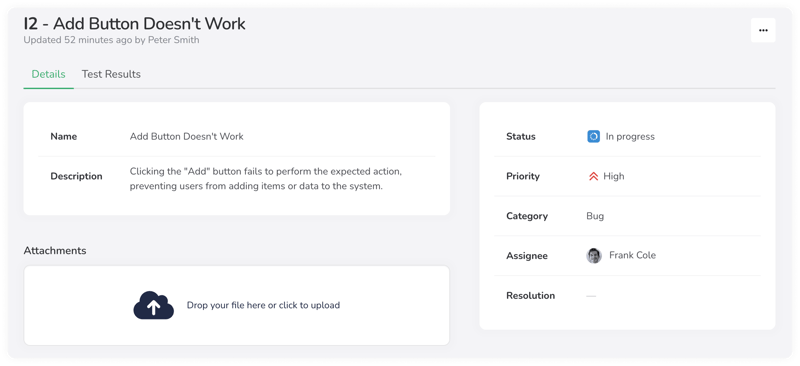
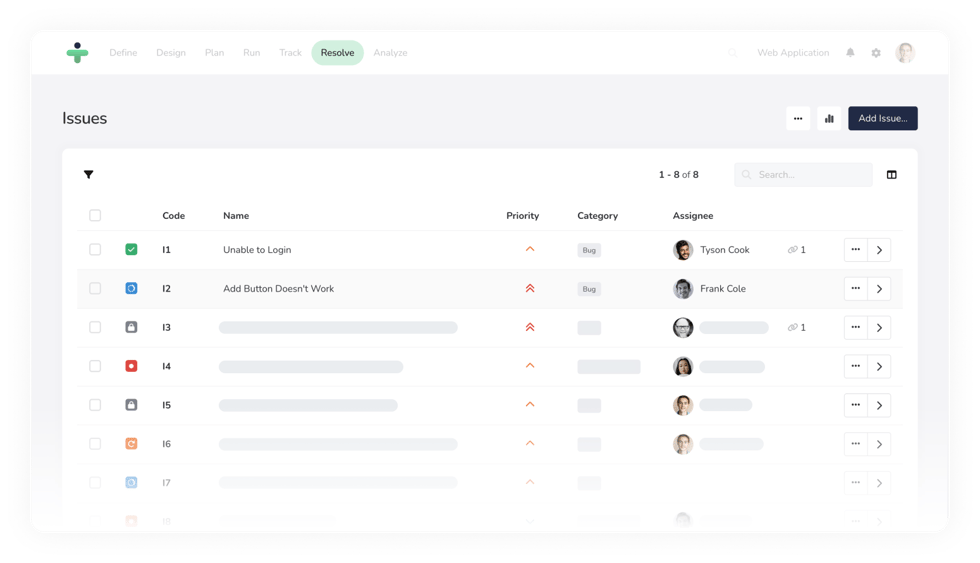
Take control of issues and fast-track their resolution
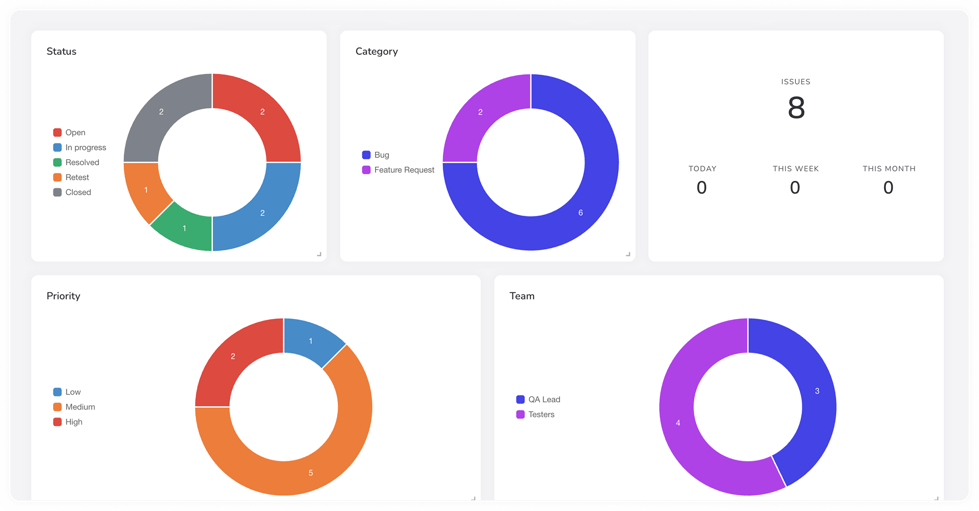
Leverage TestMonitor’s comprehensive issue tracker to document, prioritize, organize, and track issues and assign them to your project members for action. You can use our built-in notifications to update team members about issue status and easily view the history of each issue, complete with related updates, tests, resolutions, and comments.
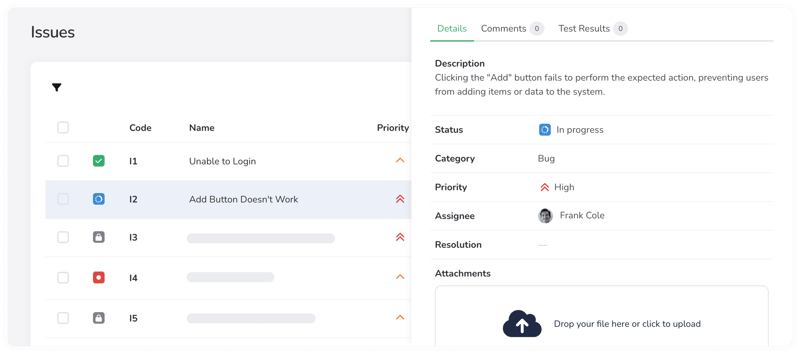
Integrate your existing issue tracking software
Integrate your existing issue tracker with TestMonitor to centralize your data and stay ahead of future testing needs. TestMonitor integrates with Jira, DevOps, Asana, MantisBT, and more.