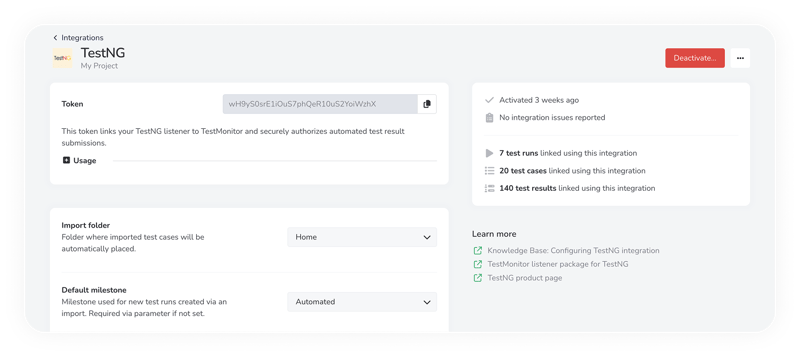
Configuring Selenium with TestNG.
TestMonitor has native support for Selenium, powered a TestNG listener that ties directly into your project.
Just activate the Selenium integration in TestMonitor, Install the TestMonitor TestNG listener in your project. Copy the ready-to-use configuration snippet into your resources file and run your Selenium tests as usual.
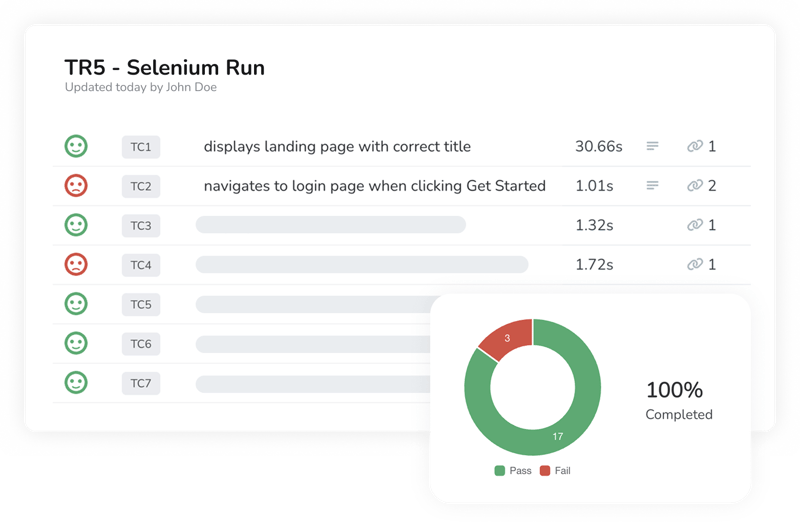
Viewing your Selenium tests.
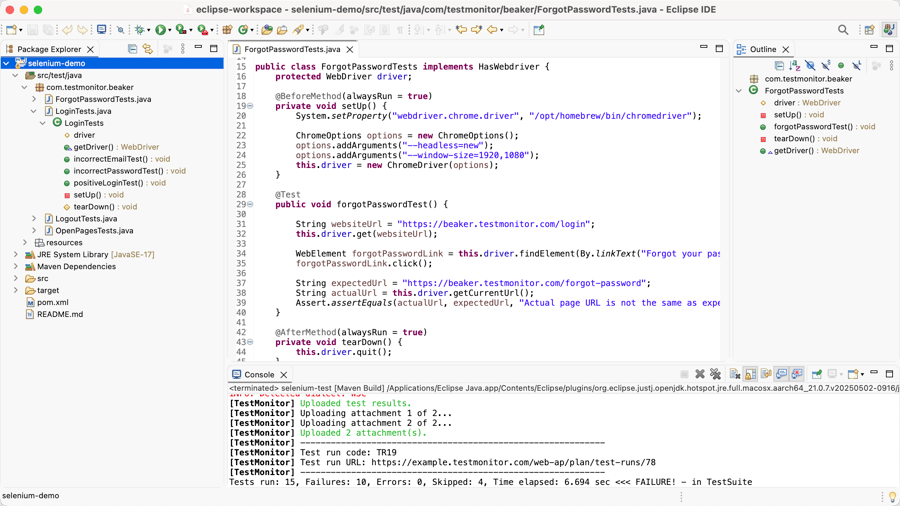
The TestNG listener uploads each test case and its result automatically, screenshots included.
Each outcome is displayed in TestMonitor alongside your manual and automated tests.
Dedicated test automation report.
Quickly spot your most frequent failures, slowest tests, and flakiest test cases, so you can improve where it matters most.